
From install to meaningful conversation, step by step
Below is a simple overview of how EZMatch works on iOS and Android, from creating your profile and recording your voice introduction to matching, chatting, earning diamonds, and staying safe.
How do I install EZMatch?
EZMatch is free to download on iOS (App Store) and Android (Google Play). The app supports iOS 12+ and Android 7+. Installation takes less than a minute.
How do I register and login?
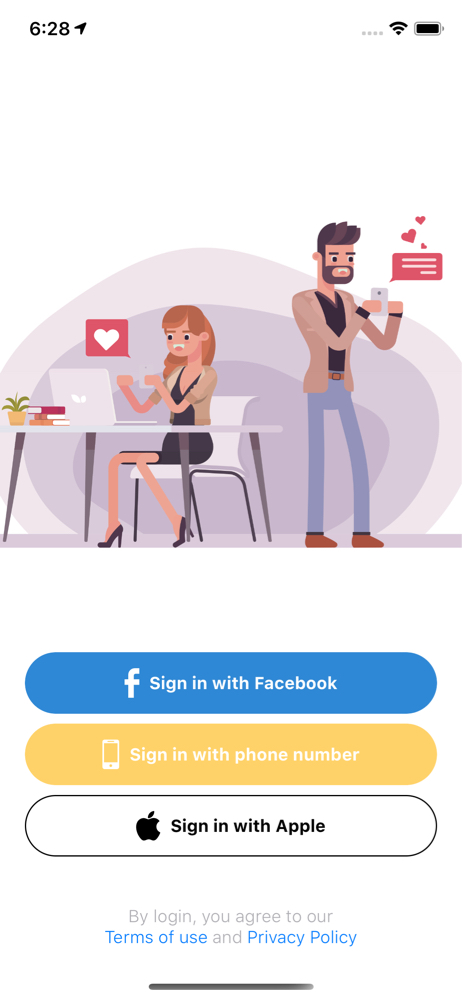
Sign up in seconds with phone number verification, Apple Sign In (iOS), or Facebook. Phone verification helps reduce fake profiles and keeps the EZMatch community authentic.
Make sure the age and profile information you provide are accurate. EZMatch is strictly 18+ and we close accounts that misrepresent age or identity.
How do I find the right person for me?
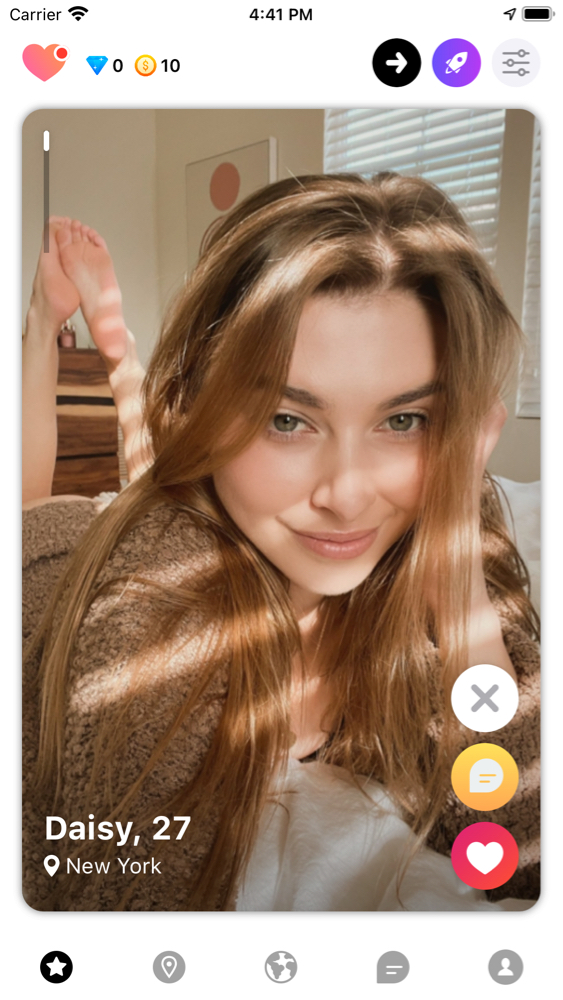
Set your preferences for location, age range, and relationship intent. EZMatch's matching algorithm surfaces the most compatible people first, ranked by your personal compatibility score.
- Use discovery settings to control distance and age range.
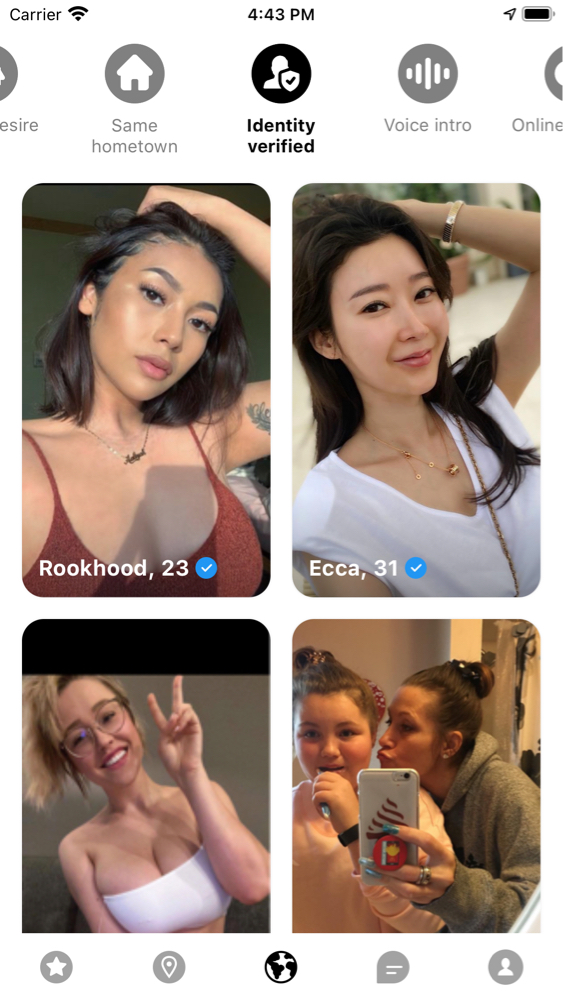
- Apply advanced filters such as users online now, same hometown, relationship goals, especially useful with VIP.
- Check the compatibility score on each profile to decide who to focus on first.
Instant Chat
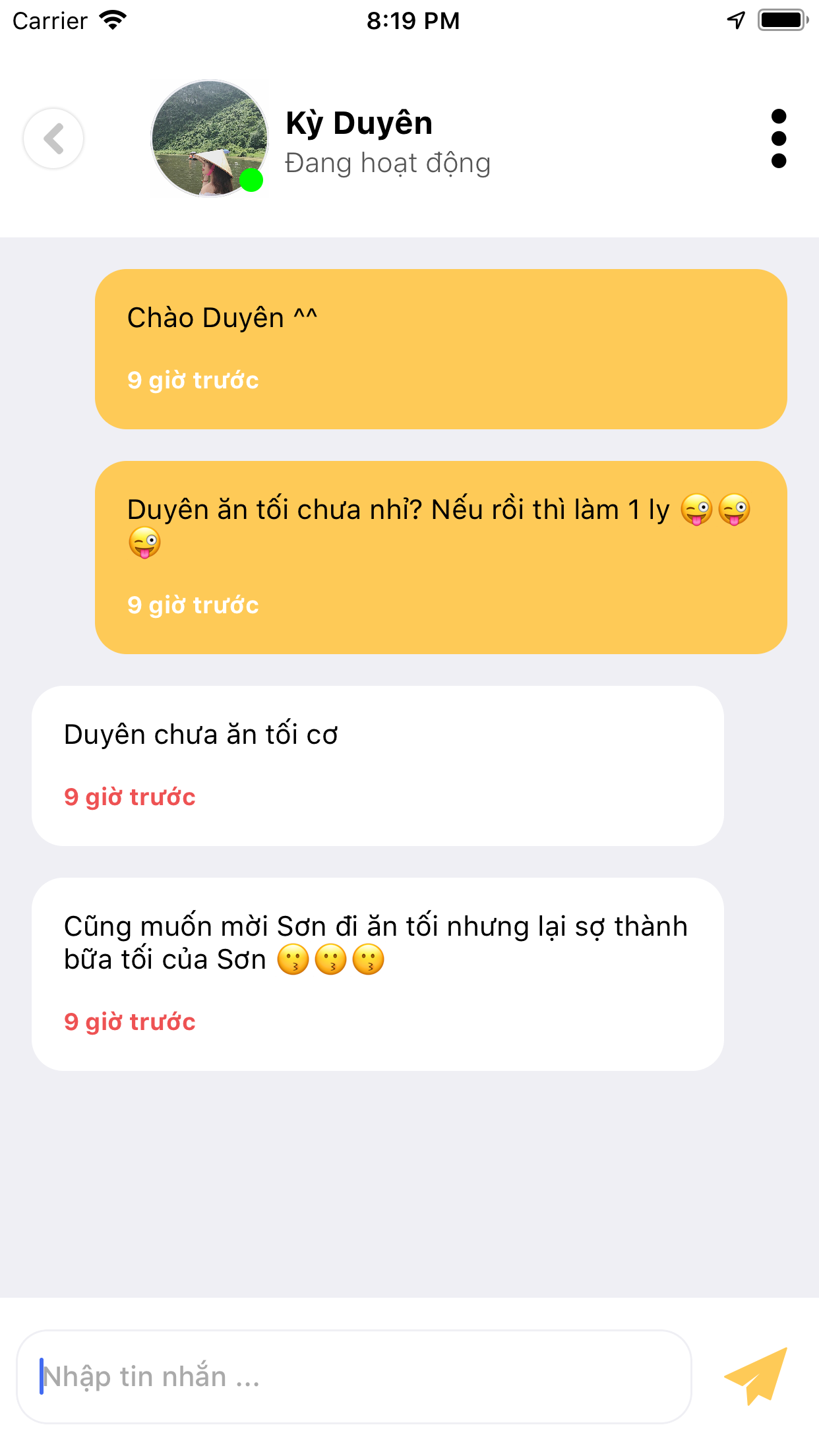
Start conversations on your terms. With VIP membership or 20 diamonds, you can message anyone without waiting for a match. Diamonds are earnable for free through daily logins and watching short ads.
Respect other users, avoid spam, and follow our safety tips when sharing personal information, photos, or planning to meet offline.
How do I get VIP and free diamonds?
New users receive a free VIP trial. You can also earn unlimited diamonds for free by logging in daily and watching short rewarded videos. No payment required to fully enjoy EZMatch.
VIP unlocks premium features such as seeing who liked you and boosting your profile. Diamonds are earnable in-app currency used for instant chat, profile boost, and other actions.